
Introduction
In the rapidly evolving digital landscape, the emergence of artificial intelligence (AI) has reshaped the way freelancers operate. As independent workers seek innovative methods to enhance productivity, AI tools have become indispensable assets that significantly boost both efficiency and income potential. The onset of AI-driven applications allows freelancers to automate various tasks, minimize their workload, and focus on more critical, revenue-generating activities.
For many freelancers, particularly those in creative and technical fields, implementing AI tools can revolutionize their workflow. By adopting these intelligent systems, freelancers can streamline processes such as project management, content creation, client communication, and data analysis. Automation reduces the time spent on administrative responsibilities, enabling freelancers to allocate more time to their core competencies—ultimately leading to increased output and improved overall performance.
Moreover, the integration of AI technology can open up new avenues for revenue generation. Freelancers can leverage AI tools to enhance the quality of their services, thus attracting a broader client base. For example, AI can be utilized to analyze market trends, providing freelancers with insights that inform their strategies, enabling them to remain competitive in a challenging marketplace. This positions freelancers not just as service providers but as strategic partners who can deliver value-added solutions to their clients.
As we delve into the top five AI tools tailored specifically for freelancers, it is essential to recognize the potential these technologies hold in transforming professional practices. By embracing these innovations, freelancers stand to enhance their earnings significantly, positioning themselves for sustained success in the dynamic online economy.
Tool 1: Grammarly
Grammarly has emerged as a leading AI-driven writing assistant, instrumental for freelancers aiming to enhance their writing quality and meet client demands efficiently. Primarily, it offers robust grammar checking capabilities that can identify and rectify grammatical errors in real-time. This function not only aids in producing error-free content but also enhances the overall clarity and cohesiveness of the writer’s work. Furthermore, Grammarly’s style suggestions provide valuable insights into improving tone, clarity, and conciseness, making it an invaluable asset for freelancers across various fields, including writing, marketing, and content creation.
One of the remarkable features of Grammarly is its plagiarism detection tool. As freelancers, maintaining originality is paramount to building a reputable professional identity. The plagiarism checker compares the written content against billions of web pages, ensuring that any unintentional plagiarism is detected and addressed promptly. This feature reinforces the importance of ethical writing practices and compliance with client expectations.
For beginner freelancers, integrating Grammarly into daily writing practices is straightforward. The tool can be used as a web browser extension or embedded within word processing applications, offering seamless support as one writes. Utilizing the premium features allows for an even greater enhancement of productivity. Premium users can access advanced writing suggestions, including vocabulary enhancement and genre-specific style checks, equipping freelancers to tailor their content more effectively for their target audience.
In conclusion, Grammarly stands out as a crucial tool for freelancers seeking to improve their writing quality. By leveraging its comprehensive features, such as grammar checking, style suggestions, and plagiarism detection, freelancers can produce content that not only meets but exceeds client expectations. Integrating Grammarly into the daily writing workflow can significantly enhance both the efficiency and professionalism of a freelancer’s work.
Tool 2: Canva
Canva has emerged as a prominent graphic design platform, particularly among freelancers seeking to create visually captivating content with minimal effort. Leveraging artificial intelligence, this tool simplifies the design process, making it accessible to users of all skill levels. One of Canva’s standout features is its extensive library of customizable templates that cater to various industries, including marketing, social media, and web development.
The platform offers a user-friendly drag-and-drop interface, allowing freelancers to easily modify elements such as text, images, and colors. This intuitive design environment facilitates quick adjustments, enabling users to focus on creativity rather than technical challenges. For freelancers looking to impress clients, the ability to produce high-quality visuals efficiently is an invaluable asset.
Collaboration is another critical aspect of Canva, as it allows teams to work together seamlessly on design projects. Freelancers can invite clients or team members to view and edit their designs, fostering a dynamic workflow that enhances communication and feedback. This functionality is particularly beneficial for marketing professionals who need to present ideas quickly and effectively.
For beginners venturing into graphic design, starting with Canva can be particularly rewarding. To maximize the platform’s capabilities, newbies should explore the various templates available, selecting designs that align with their branding goals. Additionally, utilizing the search feature can help locate elements that fit their project’s theme. Establishing a consistent branding strategy through colors, fonts, and imagery on Canva can significantly elevate a freelancer’s online presence and attract potential clients.
Overall, Canva is an indispensable tool for freelancers aiming to produce stunning visuals that catch the eye. By utilizing its vast resources and user-friendly features, individuals in various creative fields can enhance their services and stand out in a competitive market.
Tool 3: ChatGPT
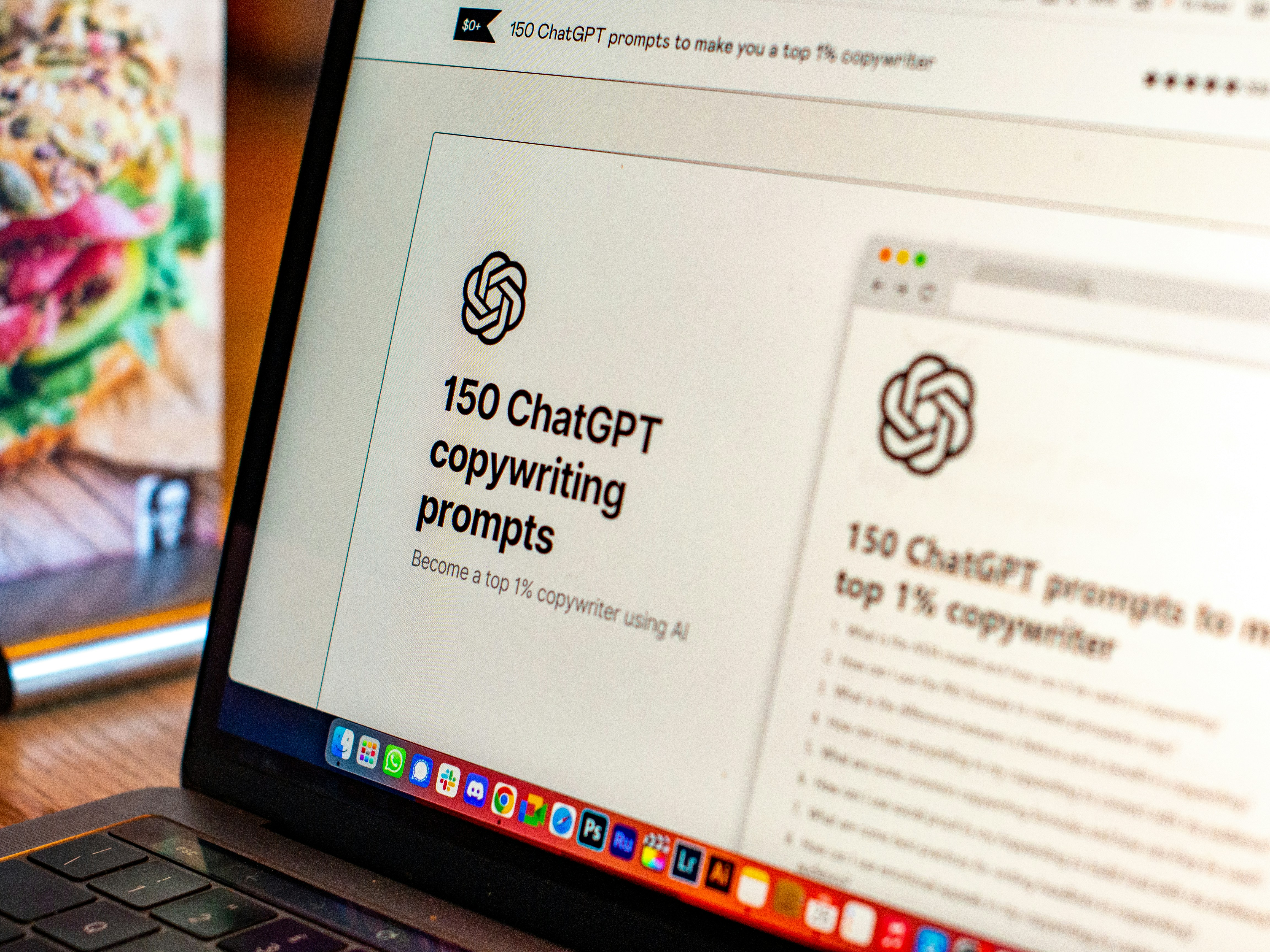
ChatGPT is a highly sophisticated conversational AI model designed to assist freelancers in various capacities, making it a valuable tool for those seeking to enhance their productivity and creativity in the online marketplace. This AI-powered assistant excels in content generation, customer support, and brainstorming innovative ideas, enabling freelancers from various fields, such as copywriting, customer service, and tutoring, to optimize their workflows and generate quality results.
One of the primary functions of ChatGPT is its ability to aid in content creation. Freelancers can use this tool to draft articles, blog posts, social media content, and more, which significantly reduces the time spent on writing tasks. By engaging with ChatGPT, users can quickly generate multiple content ideas or outlines, facilitating the creative process. This capability allows freelancers to meet tight deadlines and consistently produce high-quality material, thereby increasing their earning potential.
In addition to content generation, ChatGPT is proficient in providing customer support. Freelancers can use this tool to answer frequently asked questions, respond to client inquiries, and handle basic support tasks. By streamlining communication with clients, freelancers can focus on more complex issues while ensuring customer satisfaction. This efficiency not only enhances the professional image of a freelancer but also fosters client loyalty, leading to repeat business and referrals.
Moreover, freelancers can leverage ChatGPT for effective brainstorming sessions. By framing questions accurately and utilizing collaborative prompts, users can enhance their interaction with the AI, resulting in a more fruitful exchange of ideas. This practice can stimulate creativity and inspire unique solutions to various challenges, ultimately benefiting freelancers striving to distinguish themselves in their respective disciplines.
Tool 4: Trello
Trello is an innovative project management tool that effectively utilizes artificial intelligence to assist freelancers in organizing their tasks and collaborating seamlessly with clients. The platform’s design incorporates boards, lists, cards, and automation options, providing a comprehensive and user-friendly approach to project management.
Each project on Trello can be visualized through customizable boards that allow freelancers to create lists delineating the stages of their work. Tasks are represented as cards, which can be moved across different lists to easily track progress. This visual organization aids freelancers in various sectors, including project management, writing, and design, to keep their projects on schedule and meet deadlines efficiently. Trello’s flexibility makes it suitable for both small tasks and extensive projects, helping to maintain an overview of ongoing work.
One of the standout features of Trello is its automation capabilities, available through the Butler AI tool. This allows users to set up rules that automate repetitive tasks, freeing up valuable time for freelancers. By integrating actions such as moving cards or sending notifications based on triggers, Trello increases productivity, enabling freelancers to focus more on their creative output and less on administrative overhead.
For beginners, setting up boards in Trello is a straightforward process. Start by creating a board for each project, which can be segmented into columns such as ‘To Do,’ ‘In Progress,’ and ‘Completed.’ Furthermore, users can enhance their experience by integrating Trello with other tools they already use, such as Google Drive or Slack, fostering a more cohesive workflow. Utilizing Trello’s automation features, such as due date reminders or recurring tasks, can significantly save time, making it an essential tool for freelancers aiming to optimize their project management approach.
Tool 5: Upwork
Upwork is a widely recognized platform within the freelancing landscape, leveraging artificial intelligence to connect freelancers with potential clients. The platform offers an extensive array of job listings across various domains, including writing, graphic design, programming, and marketing. Utilizing AI algorithms, Upwork not only curates job suggestions tailored to a freelancer’s skills but also enhances the user experience by suggesting clients based on project compatibility.
One of the standout features of Upwork is its skill assessment tool, which allows freelancers to demonstrate their proficiency in specific areas. By completing these assessments, users can showcase their expertise and improve their visibility to potential clients. This is particularly beneficial in a competitive market, as freelancers with verified skills often attract higher interest and can secure higher-paying projects.
Another significant aspect of Upwork is its rating and feedback system. Clients leave reviews based on their experiences, which plays a crucial role in establishing a freelancer’s credibility. High ratings not only enhance a freelancer’s online presence but also increase the likelihood of receiving more job invitations. Therefore, maintaining a positive interaction with clients and delivering quality work on time is paramount for freelancers seeking long-term success on the platform.
For beginners aspiring to use Upwork for income generation, creating an attractive profile is key. This includes a professional photograph, a compelling bio, and a showcase of relevant work samples. Bidding effectively on projects is also essential; freelancers should tailor their proposals to address client needs directly, emphasizing their unique skills and past experiences. Moreover, leveraging client feedback as a stepping stone for growth will help freelancers build a robust client base and ultimately increase earnings on Upwork.
Combining AI Tools for Enhanced Productivity
In today’s fast-paced digital landscape, freelancers are continually seeking ways to enhance their productivity and optimize their workflows. The application of artificial intelligence (AI) tools can significantly minimize the time spent on repetitive tasks, thus allowing freelancers to focus on more creative aspects of their work. By combining popular AI tools such as Grammarly, Canva, and Trello, individuals can create a personalized toolkit that maximizes efficiency.
Grammarly serves as an excellent first component by streamlining the writing process. With its real-time grammar and style suggestions, freelancers can produce polished content quickly, which is particularly valuable when dealing with tight deadlines. Integrating Grammarly with a project management tool like Trello allows users to manage their content workflow effectively, ensuring that writing and editing tasks are seamlessly tracked. Trello’s visual cards and lists help freelancers to organize tasks and deadlines, creating a clear visual overview of what needs to be accomplished.
Next, incorporating Canva into this mix elevates the quality of visual content produced by freelancers, particularly those involved in marketing and design. Canva’s intuitive design platform enables users to create professional graphics efficiently. By linking Canva with Trello, freelancers can set specific design tasks within their project board, ensuring that visual elements are planned and executed in tandem with written content. This synergy fosters a cohesive workflow where all components are aligned, enhancing overall project outcomes.
Finally, assessing personal workflows can aid freelancers in crafting a unique combination of AI tools tailored to their specific needs. This personalized toolkit not only optimizes tasks but also offers greater flexibility to adapt as projects evolve. In doing so, freelancers can leverage the full potential of these AI tools, leading to significant enhancements in both productivity and creativity.
Navigating the Challenges of AI Tools
As freelancers increasingly turn to artificial intelligence (AI) tools to enhance their productivity and efficiency, it is important to recognize the potential challenges that may arise from their use. One significant concern is information overload; freelancers can easily become inundated with data and insights generated by multiple AI platforms, which can lead to confusion and decision paralysis. To counter this, it is essential for freelancers to establish a clear structure for utilizing AI tools. This could involve selecting a limited number of tools that align with specific tasks or projects, effectively filtering out unnecessary information from the outset.
Another important pitfall to avoid is over-reliance on technology. While AI tools can automate many processes and provide valuable insights, their effectiveness may diminish if freelancers depend on them too heavily. Maintaining a balance between human creativity and automated assistance is crucial. Freelancers should routinely assess the outputs generated by AI tools, ensuring that the final results reflect their unique perspectives and expertise. Engaging with the technology without sacrificing personal touch will enhance the quality of work produced.
Establishing a personal workflow that seamlessly integrates AI assistance can also help in navigating these challenges. Freelancers may consider developing a set routine that incorporates AI tools at specific stages of their projects, rather than relying on them throughout the entire process. This method allows for critical thinking and creative problem-solving at pivotal moments. Additionally, regular reviews of their AI-assisted work can provide opportunities for feedback and refinement, ensuring that final deliverables meet personal and client standards.
The prudent use of AI tools can lead to enhanced efficiency for freelancers, provided they remain vigilant against the challenges posed by their integration into daily workflows. By cultivating a thoughtful approach that respects the balance between automation and human creativity, freelancers can maximize the benefits of these powerful technologies while maintaining the integrity of their work.
Conclusion
In the rapidly evolving landscape of freelancing, leveraging the capabilities of artificial intelligence (AI) tools has become increasingly vital for success. Throughout this blog post, we have discussed five key AI tools that freelancers can utilize to not only enhance their productivity but also maximize their earnings. Each tool offers distinct features and advantages, catering to different aspects of freelance work, such as project management, content creation, and financial tracking.
Freelancers who embrace these tools are better positioned to streamline their workflows, automate repetitive tasks, and, consequently, free up more time to focus on creative and revenue-generating activities. As highlighted in the various sections, incorporating AI into a freelancer’s arsenal can lead to a more efficient operational model, which is crucial in today’s competitive market. Tools such as AI-powered writing assistants and automated project management systems enable freelancers to deliver higher quality work in less time, thus increasing profitability.
Moreover, the adaptability of these AI tools means that freelancers can tailor their use according to their specific needs and preferences. Whether it is enhancing communication with clients through AI chatbots or optimizing earnings with analytics tools, the potential for increased income is significant. Freelancers are encouraged to explore the mentioned applications, assessing each one’s unique features to find the optimal combination that aligns with their business goals.
In conclusion, the integration of AI tools into freelancing practices represents a critical step towards not only surviving but thriving in the gig economy. By adopting these technological advancements, freelancers can navigate their careers with greater efficacy and generate enhanced returns on their investment of time and effort.
Call to Action
The insights explored in this blog post underscore the significant advantages that AI tools can offer freelancers aiming to enhance their workflows and increase their income. If you have yet to engage with the AI tools discussed, now is the perfect time to take action. Start by experimenting with these innovative solutions to improve your productivity, streamline your tasks, and ultimately boost your revenue. As you navigate through different tools, reflect on which ones best meet your specific needs and preferences. Your personal experience can provide valuable insights not only for yourself but also for fellow freelancers seeking the right support for their careers.
We encourage you to share your experiences after trying these tools. Your insights could be instrumental in helping others in the freelancing community identify which resources may work best for them. By contributing your thoughts, you foster a collaborative environment where freelancers support one another through shared knowledge. This engagement can be continued through comments on this blog post, where we invite you to discuss the effectiveness of the AI tools you’ve used and how they have impacted your work.
Additionally, if you found this content helpful, consider subscribing to our blog for more tips and resources tailored for freelancers. Staying informed about the latest trends and tools can significantly enhance your freelancing skills and overall success. You may also want to explore our other related articles that cover essential topics for freelancers. By doing so, you can arm yourself with a broader knowledge base, equipping you to tackle freelancing challenges with confidence. Embrace the power of AI and take the next step toward transforming your freelance journey today!
buy cannabis products online with worldwide shipping
test